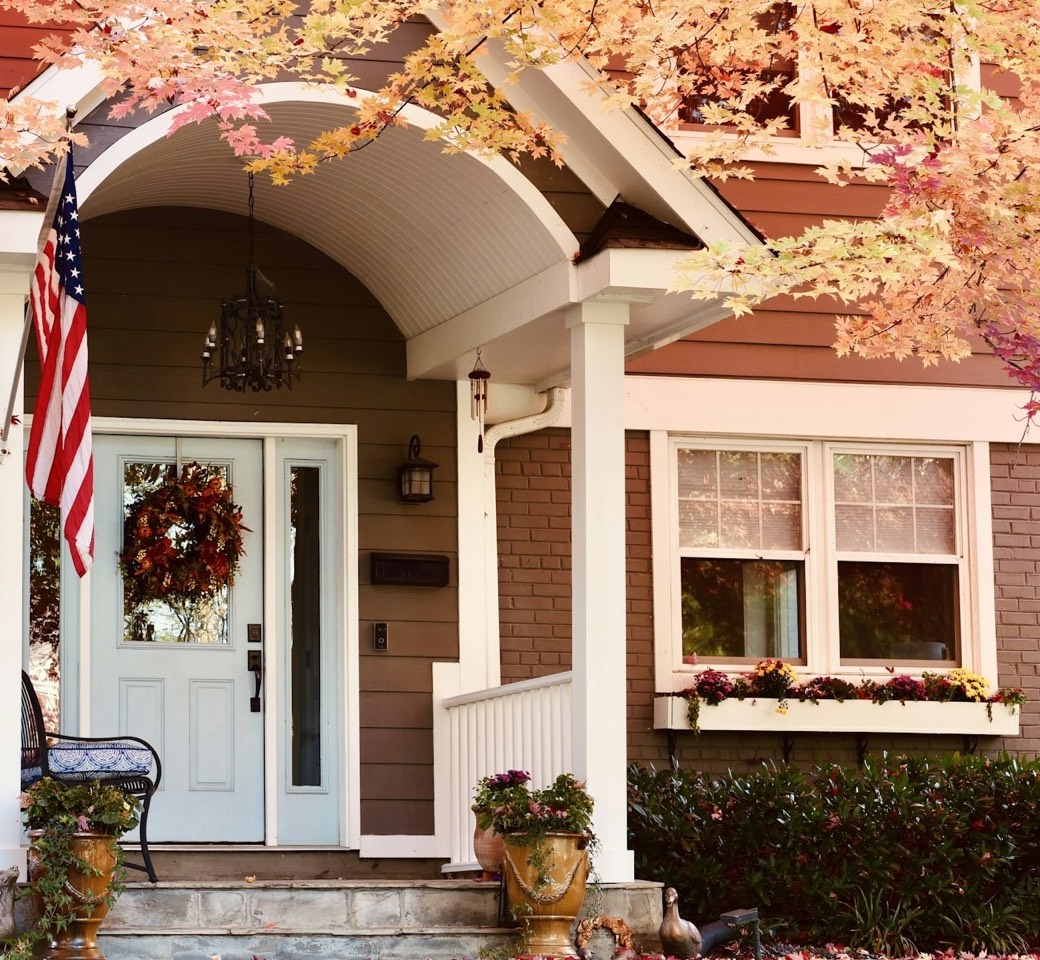
Example photo
Who it’s for / A parent’s home
A morning check on a parent’s home, with their OK.
Most mornings, one short line for you and your siblings, from a camera at their front door.
Peekaboo isn’t open yet, and nothing can be bought. Join the early list and we’ll write when you can try it.
You say
“Tell me if Mom’s front door hasn’t opened by 11.”
PeekabooMom’s house
Daily check-in
Mom’s house by 11:00 AM: front door first used 8:12 AM.
PeekabooMom’s house
Daily check-in
Mom’s house by 11:00 AM: no door use seen. 28 pictures read, last at 10:45 AM.
They agree first.
-
Nothing is read until they say yes.
Nothing is read at a parent’s home until they say yes to a page like this one. If the page changes later, nothing is read until they say yes again.
-
They say yes with you.
Their name is typed on your phone once they have read the page. Pausing and stopping happen there too.
-
A link to read it again.
A link opens the same page on their own phone or tablet, for reading only.
Peekaboo at Mom’s house
- What Peekaboo reads
- Peekaboo reads this camera at your home: Mom’s Front Door camera. It never watches live video.
- What it checks
- Every morning by 11 AM, it looks for a sign that your day has started: a door used, or the paper or a package picked up from the step.
- Who hears
- Each morning, Sam, Priya and Leo get one short line in words, with no pictures. Sam can see the pictures Peekaboo has read, in the app.
- What it never does
- It never recognizes faces or works out who anyone is. It never listens, and never collects any sound.
- Pause or stop
- You can ask Sam to pause or stop Peekaboo at any time. While it is paused or stopped, nothing at your home is read.
What you get.
One line a morning, as a phone notification or an email. Three invented mornings:
-
Most mornings, one quiet line.
“Mom’s house by 11:00 AM: front door first used 8:12 AM.”
-
A morning with no sign.
“Mom’s house by 11:00 AM: no door use seen. 28 pictures read, last at 10:45 AM.”
-
A morning the camera couldn’t see.
“Mom’s house by 11:00 AM: couldn’t confirm door use. Mom’s Front Door camera offline since 10:12 AM.”
-
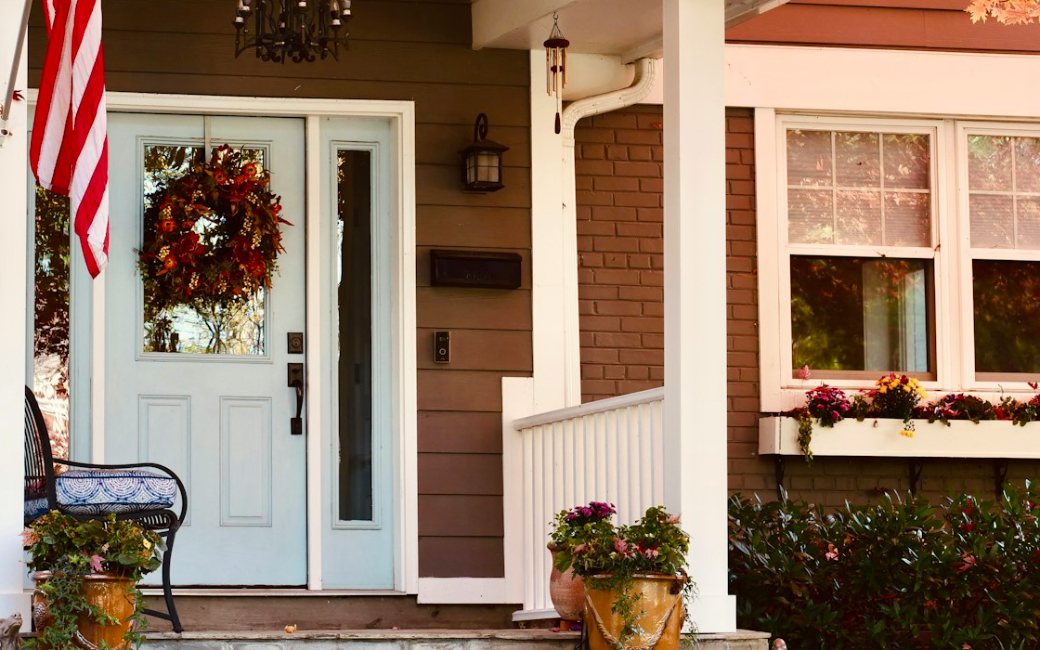
Mom’s Front Door
Example photo
Standing in for the last picture read on the morning with no sign. The pictures are a tap away in the app.
-
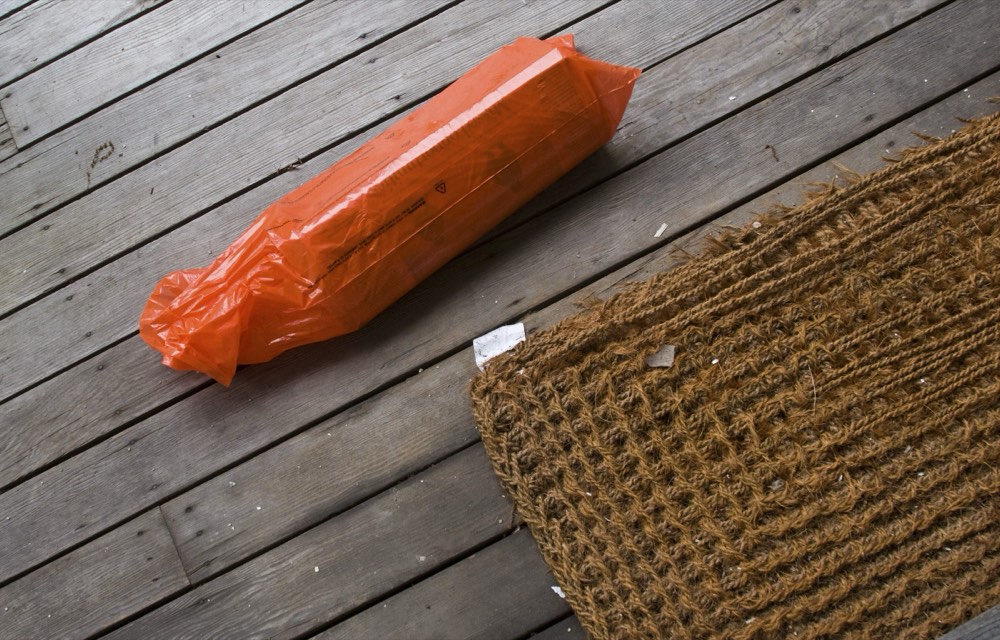
Example photo
The paper or a package picked up from the step counts as a sign too.
What counts, and what it needs.
The door counts as used when a picture shows it open, or shows someone stepping out or going in. The paper or a package picked up from the step counts too. A delivery, someone walking past, or a ring at the doorbell doesn’t count as a sign.
Saying no door use was seen takes pictures through the morning: none more than 30 minutes apart from 4 AM, and one in the last 15 minutes before the time you pick. A camera that only sends a picture when it notices movement sends none on a quiet morning, so that morning’s line says it couldn’t confirm.
After about a week it knows roughly when the first sign usually comes. On a morning with no sign well past that time, the first person may get one early note.
When the door is used later on a morning with no sign, everyone who got the line gets one more: “Mom’s house: front door first used 11:40 AM, after the 11:00 AM check-in.”
Who hears, in the order you set.
Everyone you choose gets the line at once. If it shows no sign, or couldn’t confirm, one person is asked first, then the next.
Mom’s house, no sign by 11
- Sent to Sam, Priya and Leo. It is with Sam first.
- Priya is asked. “Sam hasn’t marked it seen, so it’s come to you.”
- Priya marks it seen. The others see “Priya has this (11:22 AM).”
What it isn’t.
Not a medical alert or an emergency service. If you think someone needs help, call them, and if it’s an emergency, call 911.
It doesn’t detect falls.
A door that didn’t open is a reason to call, not a diagnosis.
It can’t tell who used the door.
A visitor counts too.
It can be late or wrong.
A short visit can fall between pictures.
It needs pictures all morning.
With too few, the line says it couldn’t confirm.
A week at a glance.
On five mornings the front door was used before 10, and nobody had to call to ask. On Thursday no door use was seen by 11, and the door was first used at 11:40. On Saturday the camera dropped off at 10:12, so the line said it couldn’t confirm.
Mom’s house
- MonFront door first used 8:26 AM
- TueFront door first used 8:12 AM
- WedFront door first used 7:54 AM
- ThuNo door use seen by 11:00 AM. First used 11:40 AM
- FriFront door first used 8:35 AM
- SatCouldn’t confirm. Camera offline since 10:12 AM
- SunFront door first used 9:20 AM
Family
$9.99a month, or $14.99 for Family Plus
Everything in Plus, and:
- 1 parent’s home as a place of its own, with their consent
- One short line each morning for a family circle of up to 3 people
- A page your parent reads and says yes to first
- Family Plus: up to 2 parents’ homes and a circle of up to 6 people
On the Free plan, your one place can be a parent’s home, and the morning line is sent to you only. Planned prices that may change. Nothing can be bought yet.
Example photo
Join the early list.
Peekaboo isn’t open yet, and nothing can be bought. Join the early list and we’ll write when you can try it.
We’ll write for that, and for nothing else. Joining the list costs nothing and commits you to nothing.