You say what should happen. Peekaboo checks.
A routine is one sentence. Peekaboo checks your cameras at the right moments, and you hear only when something wasn’t seen in time, looks wrong, or couldn’t be checked.
Peekaboo isn’t open yet, and nothing can be bought. This is how it will work.
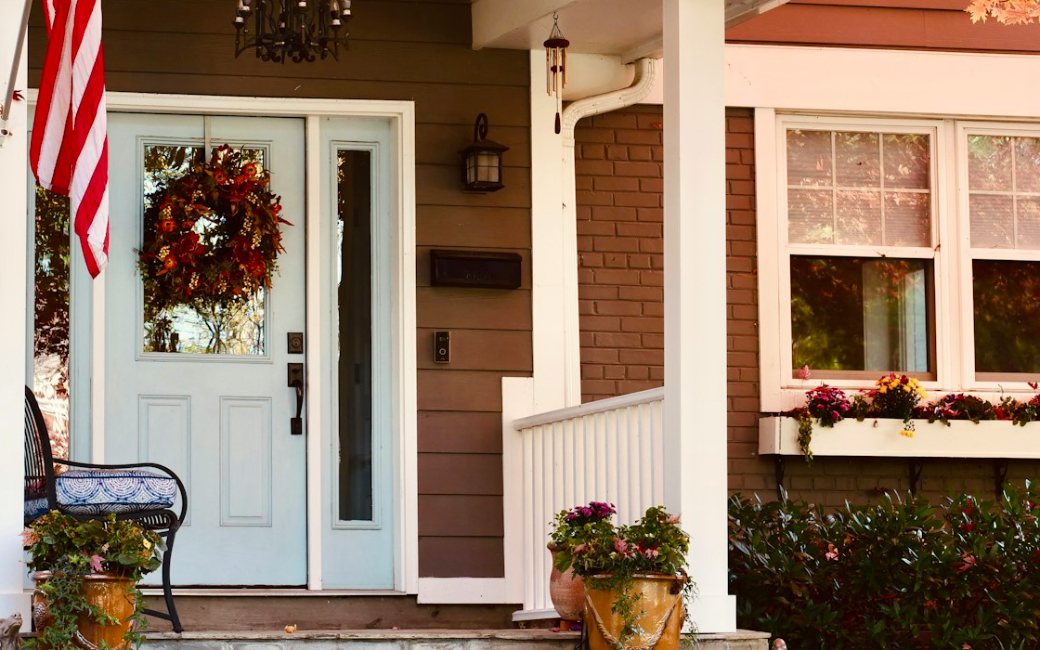
Mom’s Front Door
Example photo
PeekabooMom’s house
Mom’s front door not seen opening by 11 AM
No door use was seen on Mom’s Front Door camera between 5:00 AM and 11:00 AM (a delivery, someone walking past or a doorbell press doesn’t count). 24 pictures read, last at 10:45 AM.
A short visit can fall between pictures.
1 Say what should happen.
Write it the way you’d say it to a neighbor. You don’t pick a kind or fill in a form: Peekaboo works that out.
-
Mom’s Front Door
Example photo
“Tell me if Mom’s front door hasn’t opened by 11.”
Should happenMom’s Front Door camera, every day, 5 AM to 11 AM
-
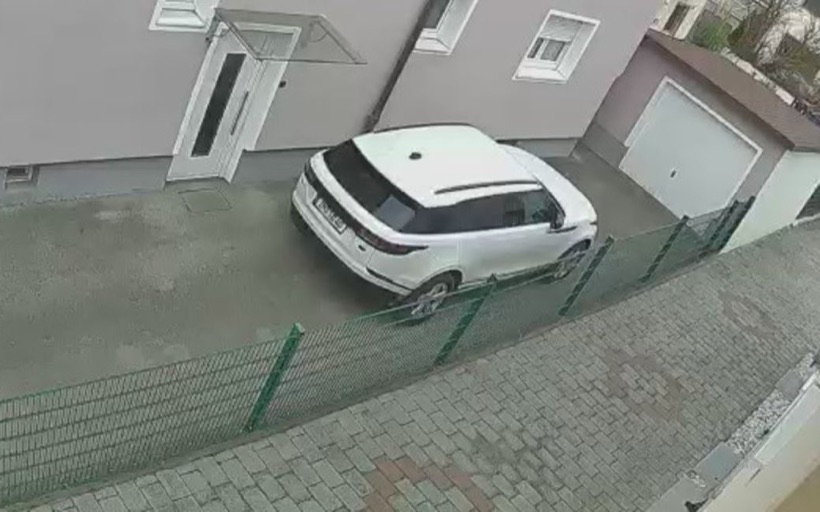
Driveway
Example photo
“No vehicles in the driveway on weekdays, 9 to 5.”
Shouldn’t happenDriveway camera, weekdays, 9 AM to 5 PM
-
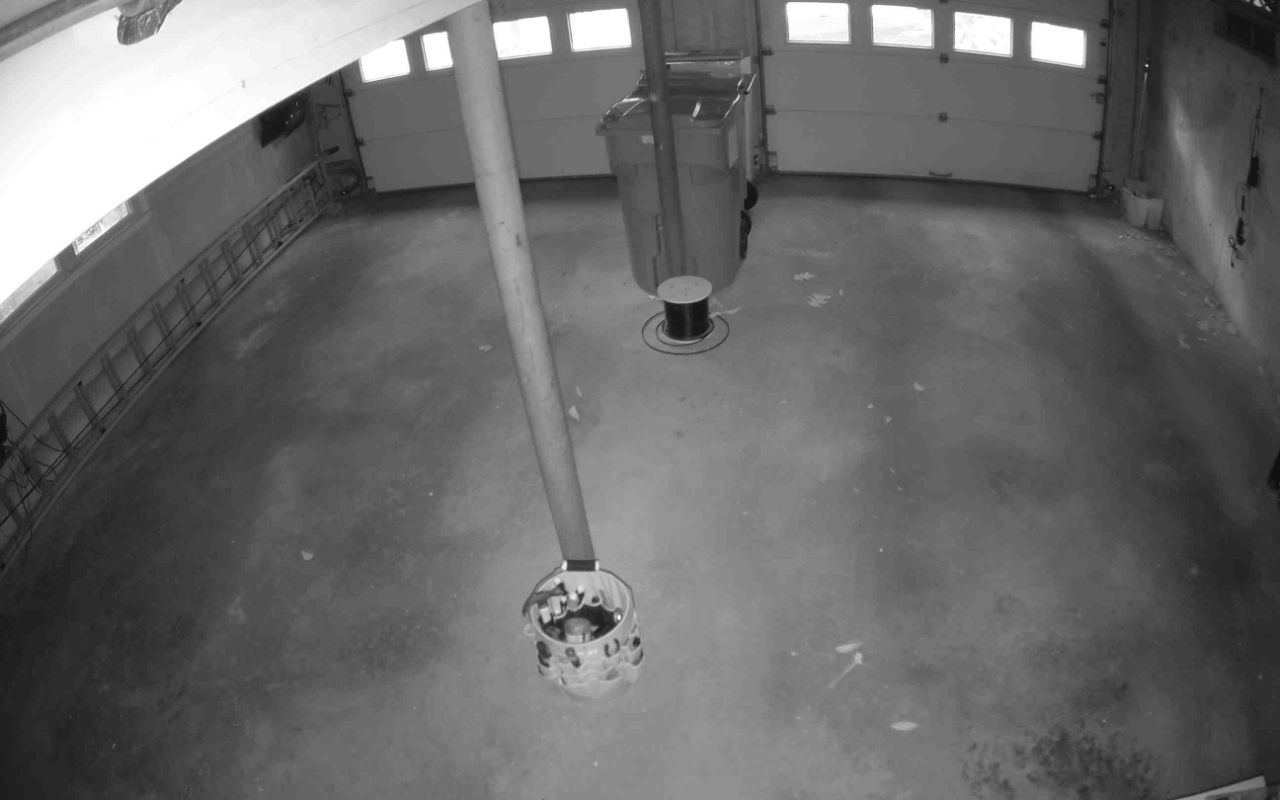
Garage
Example photo
“At 10 PM, make sure the garage is closed. Keep checking every 30 minutes.”
Look-checkGarage camera, every night at 10:00 PM, then every 30 minutes until it’s closed or it’s 1 AM
Three more kinds, and what each kind sends
-
“Tell me if a package sits outside more than 2 hours.”
Too longFront door camera, any day, 2 hour limit from drop off
-
“Tell me when a delivery comes.”
Tell me whenFront door camera, any day
-
“Tell me if more than 2 vehicles are in the driveway after 10 PM.”
Too manyDriveway camera, every night, 10 PM to 6 AM
What each of the six would send you, in the words Peekaboo uses. All six are invented examples.
- Should happen. “Mom’s front door not seen opening by 11 AM. No door use was seen on Mom’s Front Door camera between 5:00 AM and 11:00 AM (a delivery, someone walking past or a doorbell press doesn’t count). 24 pictures read, last at 10:45 AM. A short visit can fall between pictures.”
- Shouldn’t happen. “A vehicle on the Driveway camera. Seen at 1:28 PM, during quiet hours. A white car.”
- Look-check. “Garage door: open at 10:00 PM. Checked at 10:00 PM on the Garage camera. Peekaboo looks again every 30 minutes until 1:00 AM.”
- Too long. “Package still outside. A package dropped off at 2:26 PM is still there at 4:26 PM (2 h).”
- Tell me when. “A package being dropped off at the Front Door. 2:26 PM.”
- Too many. “3 vehicles seen at once. Up to 3 vehicles on the Driveway camera at 10:40 PM (limit 2).”
2 Peekaboo reads it back.
Before anything runs, Peekaboo tells you what it understood: which camera, which days, what times, and what counts.
If it read you wrong, reword the sentence and it reads it again.
You said
“Tell me if Mom’s front door hasn’t opened by 11.”
Peekaboo reads it back
Every day between 5 AM and 11 AM, Peekaboo counts the door as opened when Mom’s Front Door camera sees the door open or someone step out or go in (not a delivery, someone walking past or a doorbell press). If that isn’t seen by 11 AM, Peekaboo will tell you, with how many pictures it read and the last one. If a camera can’t see (offline, too dark, no fresh image), or too few pictures were read to tell, Peekaboo says it couldn’t confirm instead of guessing.
I took “11” as 11 AM. Starts watching at 5 AM.
3 It practices for a week.
A new routine tells nobody anything for its first seven days. It runs quietly and keeps a list of every message it would have sent.
At the end of the week you see whether it would have helped or nagged. If it nagged, reword it and practice that instead, before it ever reaches your phone.
Practice week, day 7 of 7
- MonFront door first used 8:12 AM
- TueFront door first used 7:58 AM
- WedFront door first used 8:35 AM
- ThuFront door first used 8:05 AM
- FriFront door first used 8:24 AM
- SatFront door first used 9:10 AM
- SunNot seen by 11 AM. First used 11:25 AM
Would have sent 2 alerts
Sun 11:00 AM: “Mom’s front door not seen opening by 11 AM.”
Sun 11:25 AM: “Mom’s front door: first used at 11:25 AM.”
What a practice week is
Why a week, and not a replay of last month? Peekaboo can only use camera history from after you connect it. So the first week is real practice on real days.
When the week ends you get a summary of what it would have sent. If that is five messages or fewer, the routine switches on a day later. If it is more, it stays in practice until you adjust it or switch it on.
You can switch a routine on sooner, or pause it.
At a parent’s home nothing is read until they have said yes, and the practice week starts then. How a parent says yes.
4 It checks, and says when it couldn’t see.
When the deadline comes, Peekaboo goes by the pictures it read. If one showed what you asked for, nothing is sent. If none did, there are two honest answers, and it doesn’t guess between them.
-
Mom’s Front Door
Not seen
Example photo
An invented Tuesday
A picture came every 15 minutes and none showed the door used. The message gives the count and the last picture.
“24 pictures read, last at 10:45 AM.”
-
Mom’s Front DoorOffline since
Couldn’t confirm
Example photo
An invented Thursday
The camera went offline at 10:12, and the message says so. That isn’t counted as not seen.
“Mom’s Front Door camera offline 10:12 AM–11:00 AM.”
-
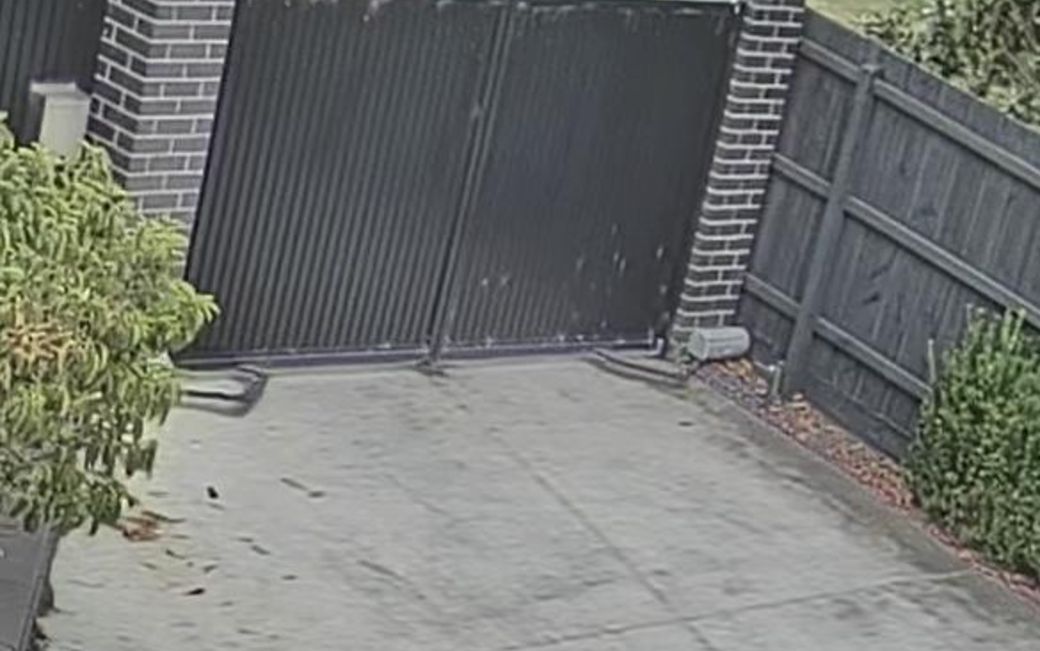
Side Gate
It can still be wrong
Example photo
It can’t tell when something blocks a view while the camera stays online. We tested how Peekaboo reads bins, gates, garage doors and driveways, and it isn’t where we want it yet, so check the pictures.
What it takes to say “not seen”
Saying something wasn’t seen takes pictures of the spot that were actually read: none more than 30 minutes apart, and one in the last 15 minutes before the deadline.
A camera that is online but sent nothing doesn’t count as seeing, and neither does a picture too dark to read or one that didn’t show the spot. With fewer, the answer is “couldn’t confirm”, with how many pictures were read.
A camera that only sends a picture when something moves sends none on a quiet morning. With no pictures to read, the answer is “couldn’t confirm”, never “not seen”.
Someone on foot can come and go between two pictures. So a not seen about a person only says that no picture showed them.
Every not seen alert says how many pictures were read and carries the last one, every couldn’t confirm alert says why, and every brief lists what couldn’t be seen.
What can stop a camera seeing
When a camera can’t see what one of your routines needs, at the time it needs it, Peekaboo says so: offline, gone quiet, or too dark to read. It is part of every routine, not a separate feature.
- Offline. The camera dropped off its network or lost power. You get the times it was gone.
- Too dark. Peekaboo judged the frame too dark or washed out to read, so it says “can’t tell” instead of answering. It can still misread a frame it thinks it can read, so check the pictures.
- Encrypted. You’ve turned on end to end encryption for that camera, so its video isn’t readable by anyone else. That’s your choice; Peekaboo just says so.
- No fresh image. At a look-check, the newest frame was too old to count. Common with battery cameras.
- Too few pictures. Not enough pictures of the spot to say something wasn’t there. You get the count, and the time of the last one.
Side Gate
Example photo
Push URL limits
A camera on a push URL can only show what it sends. It can’t report that it’s offline, so it shows up only as gone quiet, once Peekaboo has learned its rhythm.
A question at a set time
Some questions are about a moment, not a movement. Is the garage closed? Are the bins out? A look-check asks your camera a yes or no question at the time you choose. Say “keep checking” and it looks again until the answer is right or the window ends.
Each answer comes with the frame it used and when that frame was taken. If the newest frame is too old to count, which happens with battery cameras that only record on motion, it says no fresh image instead of answering.
Garage
Example photo
PeekabooHome
Garage door: open at 10:00 PM
Checked at 10:00 PM on the Garage camera. Peekaboo looks again every 30 minutes until 1:00 AM.
At the next look
Garage door: closed at 10:30 PM
Seen closed at 10:30 PM on the Garage camera.
An invented night. The picture is an example photo, standing in for the frame at 10:30 PM. In the app you see the actual frame.
5 The right person hears.
Each routine has its own list of who gets told. If the first person doesn’t tap Seen within the time you set, Peekaboo tells the next one.
What went as expected isn’t sent to anyone. It waits in one short brief each morning.
Mom’s front door by 11
- Sent to you. Mom’s front door not seen opening by 11 AM. 24 pictures read, last at 10:45 AM.
- Sent to Priya. “Nobody marked this seen within 15 minutes, so Peekaboo is telling you too.”
- Priya tapped Seen. No one else is told.
- Mom’s front door: first used at 11:40 AM. Seen on Mom’s Front Door camera, 40 min after the 11:00 AM deadline.
How a message reaches you
Alerts arrive as a notification on your phone, straight from the browser with no app store, or as an email. A team can have them posted to its chat channel too.
People you add don’t need an account: you send them a link once, and their phone gets the alerts that name them. Until they accept, those alerts come to you, and the routine says so.
Peekaboo doesn’t call anyone or send help. It isn’t an alarm or an emergency service. In an emergency, call 911.
The morning brief
One brief is ready at 7:00 each morning, local time. It covers yesterday at every place on your account, in four parts that always come in the same order.
- Needs a look. Wrong states, packages still out, deadlines that couldn’t be confirmed.
- Not seen. Due by a time and not seen, with enough pictures read to say so.
- Happened. Deliveries and when they came, visits and how long they lasted, routines met.
- Couldn’t see. Which camera, when, and what it affected.
By default it’s sent only when something needs a look or wasn’t seen; otherwise it waits in the app. You can choose to get it every morning.
The brief is assembled from what was recorded during the day, so it can’t drift into storytelling.
Once it’s running.
Three things you can do with a place that has routines on it.
Check now
Check now reads the newest picture from each camera and answers in one line: anyone in view, what’s open, and what couldn’t be seen. No scrubbing through clips, no opening four live views one by one.
Ask, and see the pictures behind the answer
Ask a plain question about your week: when deliveries came, how long the dog walker stayed, whether anyone was in the backyard last night. The answer counts and times things, shows the frames it relied on, and says when it can’t be complete.
An invented example. You ask “When did deliveries come this week?” and get “2 packages in the last 7 days: Mon 2:14 PM, brought in 2:40 PM; Wed 11:02 AM, not seen brought in.” If the front camera was offline on Tuesday morning, the answer says so, because a delivery then wouldn’t show.
Peekaboo also joins sightings into stretches with a length: “Someone seen 10:02 AM–12:47 PM (2 h 45 min seen).”
Suggestions from your own week
Once your own week shows a pattern, Peekaboo may offer a routine for it, such as “Tell me if a package sits outside more than 2 hours.” It tells you what it noticed, in numbers you can check: “7 deliveries in 14 days, mostly 1 PM–4 PM.”
Nothing turns on by itself, and every suggestion starts in practice.
Watch: when someone’s around.
Your cameras already notice motion. Watch puts the sightings at one place together, into one account of what someone did over the next few minutes. Most of what it sees is ordinary, like the newspaper.
It describes, never identifies, and doesn’t call anyone for you. It is planned as an extra on any plan, at a planned $19.99 a month.
How Watch decides what to send
An event is read as several frames when the camera connection can supply them.
Watch adds up plain things a camera can see: someone around during your quiet hours, going camera to camera, staying a while, coming back. A few together is a heads-up.
Look now comes only when the sightings also include something you can check at once, like a hand on a door handle or someone at a window, with short updates as the person moves, and the next person is told if you don’t tap Seen.
“Not useful?” can keep that time quiet.
PeekabooMaple Street
Heads-up: someone seen on 2 cameras over 2 min
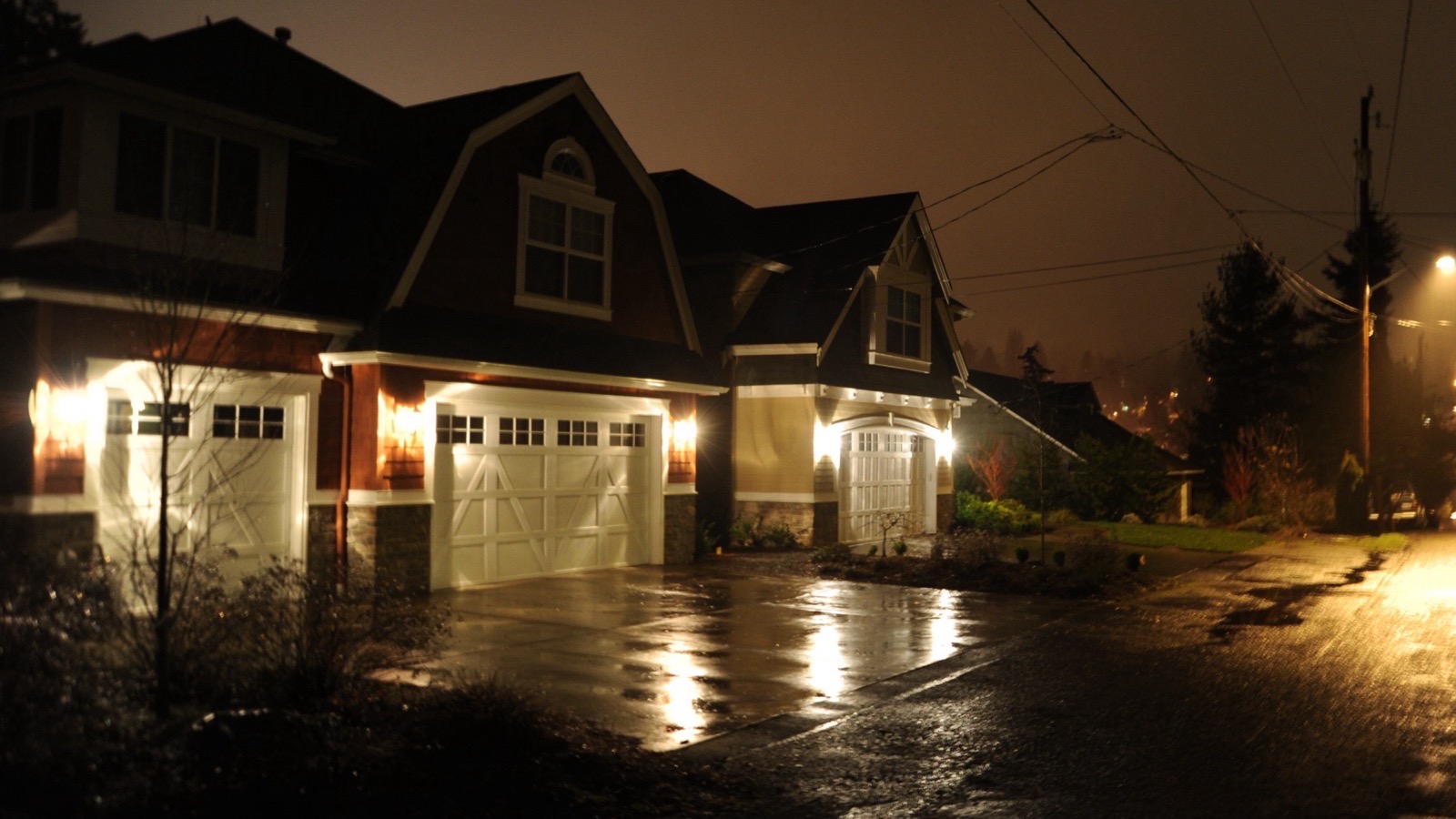
5:33 AM Driveway, 5:35 AM Front Door (2 min). Something small in hand. At 5:35 AM the camera read: “A person at the front step putting down a newspaper.” Inside your quiet hours (11 PM–6 AM).
Example photo
Join the early list.
Peekaboo isn’t open yet, and nothing can be bought. Join the early list and we’ll write when you can try it.
We’ll write for that, and for nothing else. Joining the list costs nothing and commits you to nothing.