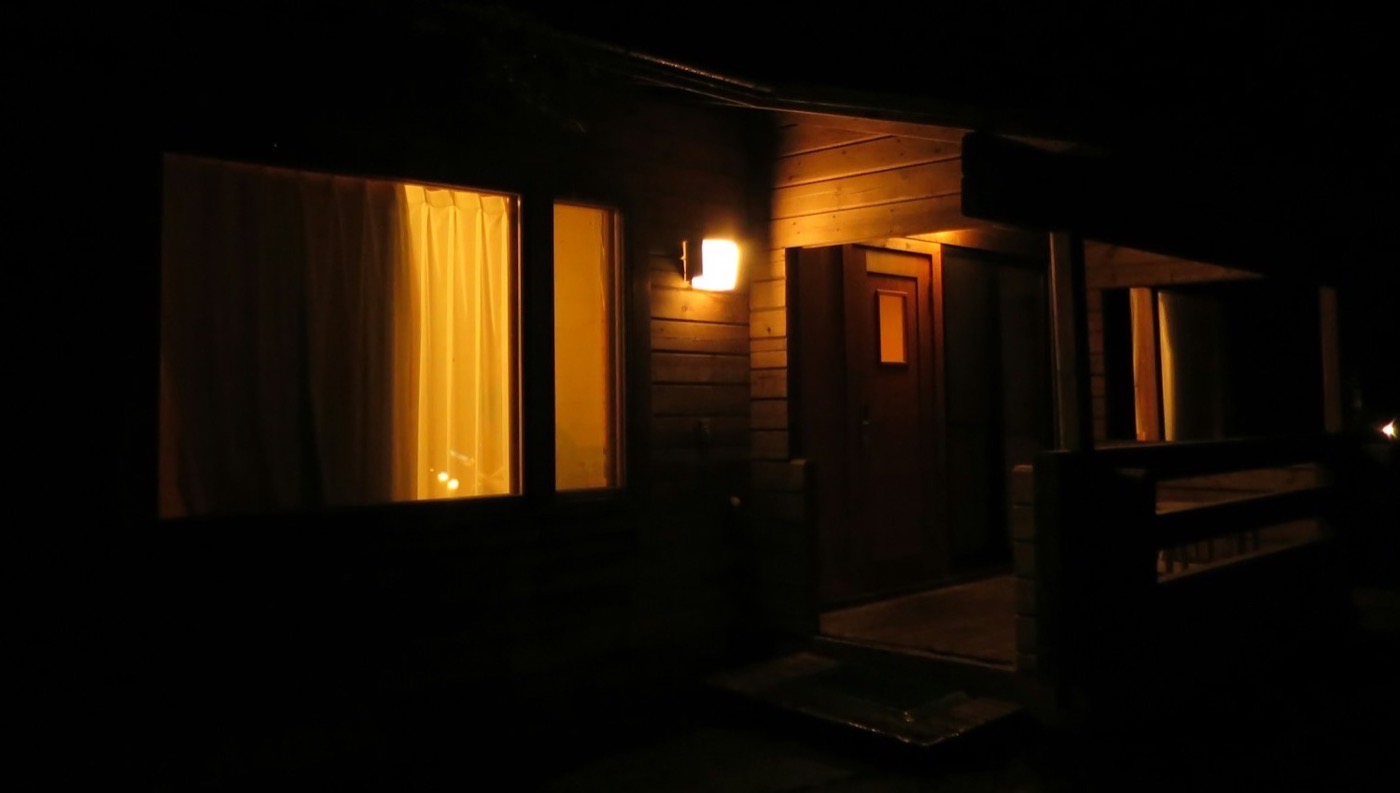
Example photo
Who it’s for / Hosts
Find out before your guest does.
You have a few rentals, same day turnovers, and you’re not there to see them. Peekaboo checks your outside camera against your booking calendar. When something looks wrong before guests arrive, it sends you the picture so you can send someone.
It tells you what looks wrong. It never tells you everything is fine, because one picture can be wrong.
Not open yet. We’re looking for a few hosts to try it at a planned $15 a rental a month, with cameras that send pictures through Home Assistant or a similar setup. The pilot isn’t for Ring cameras.
You say
“Ready check 1 hour before check-in on turnover days: bins in, gate closed.”
PeekabooCedar Cabin
1 thing needs a look before 4 PM
1 thing needs a look: bins still at the curb (Cabin Drive, 3:00 PM).
PeekabooCedar Cabin
Looks fixed at 3:10 PM: bins in
Before: bins seen at the curb (Cabin Drive, 3:00 PM). After: no bins seen at the curb (Cabin Drive, 3:10 PM).
A turnover day at two rentals.
An invented Saturday. Checkout at 11 AM, guests from 4 PM.
-
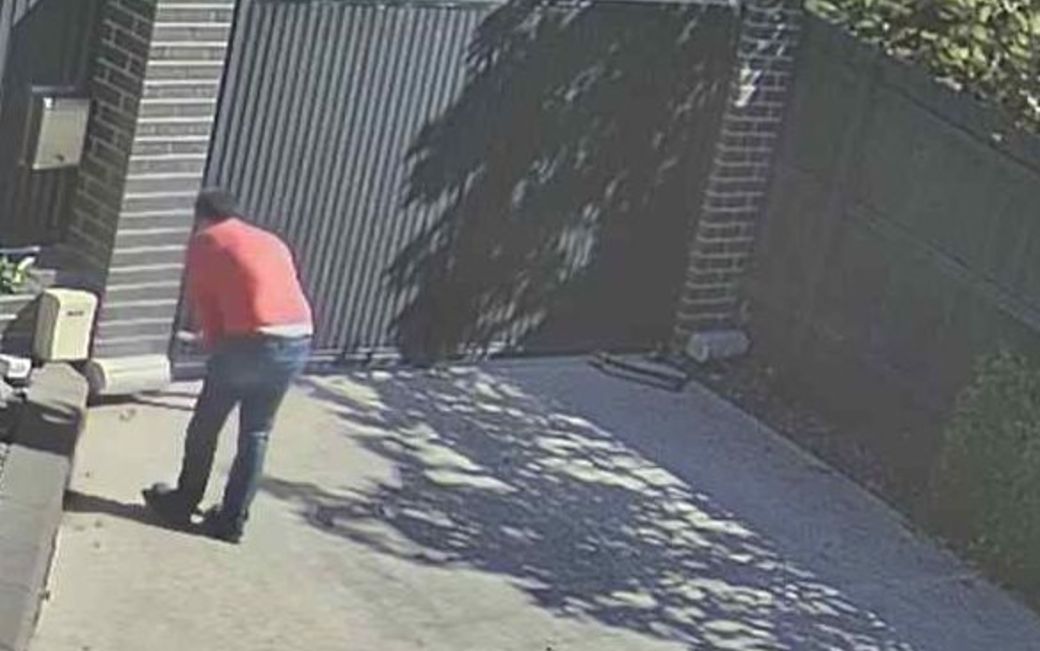
Cabin Gate
Example photo
Seen. “Someone seen at 11:35 AM”, with the picture. It doesn’t say who.
-
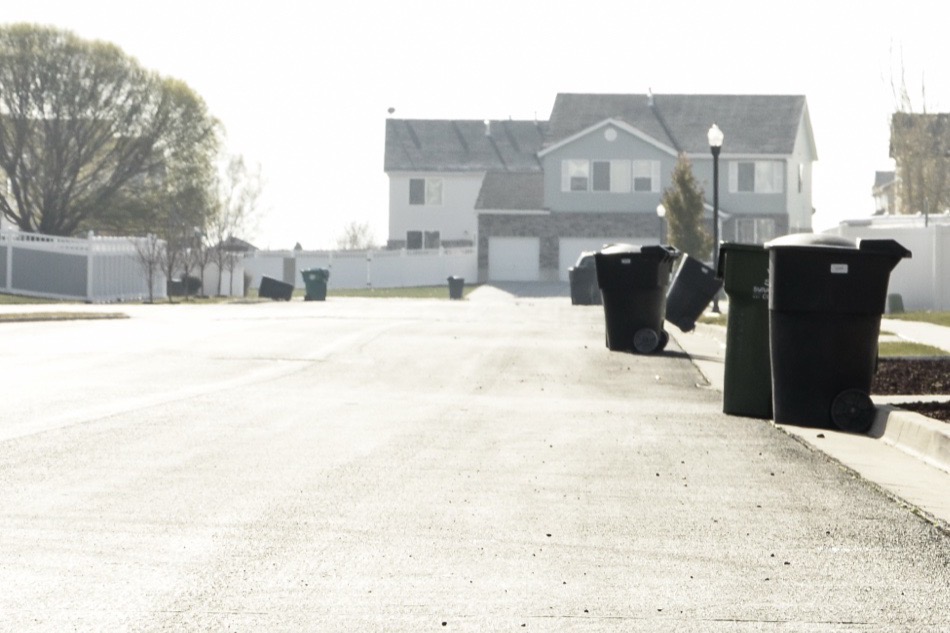
Cabin Drive
Example photo
Needs a look. 1 thing needs a look: bins still at the curb (Cabin Drive, 3:00 PM).
-
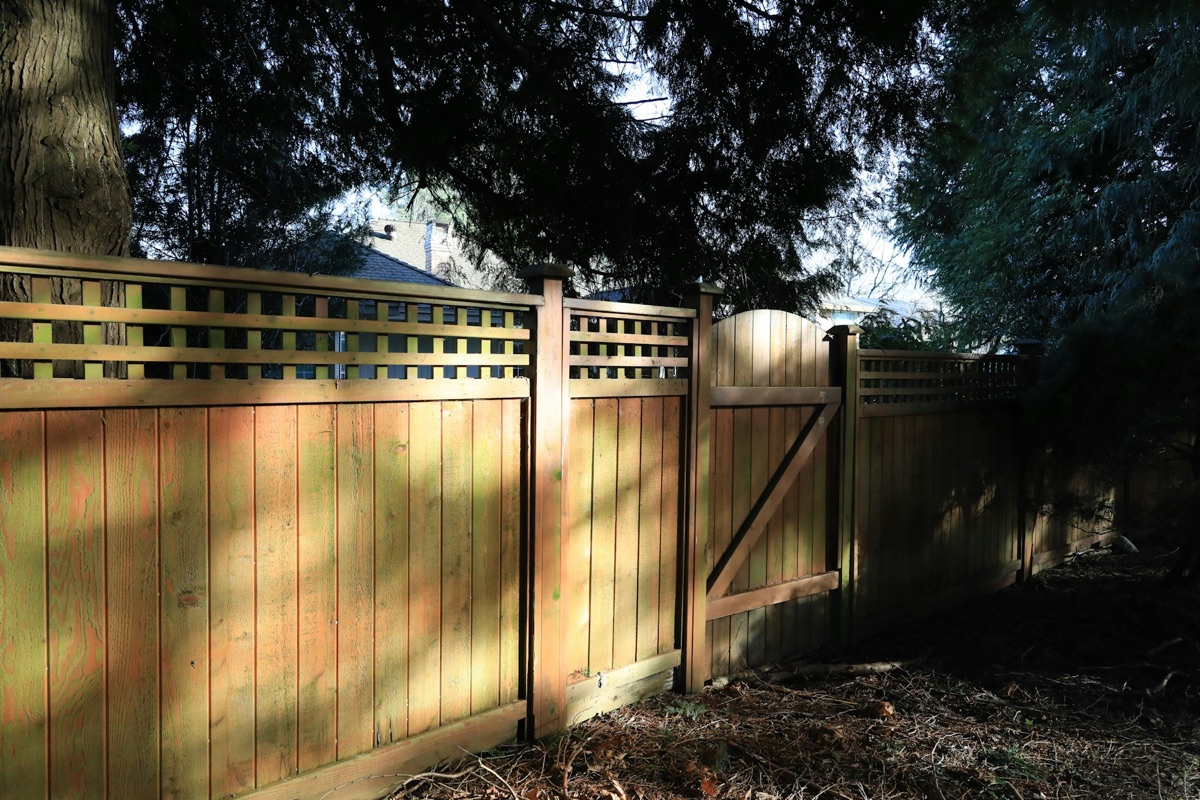
Side GateNo picture since
Example photo
Couldn’t check. Couldn’t check: the gate (no recent picture from Side Gate).
Cedar Cabin
- “Someone seen at 11:35 AM”, with the picture. The guests leaving at 10:41 don’t count: only someone seen arriving or working after checkout does.
- “1 thing needs a look: bins still at the curb (Cabin Drive, 3:00 PM).” To you and to Maria, the cleaner, with the picture.
- Maria tapped On it, so you weren’t chased about it.
- Maria tapped Done. Peekaboo read the next picture from the drive camera.
- “Looks fixed at 3:10 PM: bins in”, with the picture before and the picture after.
Pine Loft
- “The cleaner wasn’t seen on the Front Door camera between 11:00 AM and 1:00 PM. 8 pictures read, last at 12:45 PM. A short visit can fall between pictures.”
- “Someone seen at 1:40 PM, after the 1 PM deadline.”
- Side gate: no picture since 2:35 PM.
- “Couldn’t check 1 of 2 before 4 PM”, then “Nothing looked wrong in the 1 of 2 checked. Couldn’t check: the gate (no recent picture from Side Gate).”
Example photos, not pictures Peekaboo read. The quoted lines are the product’s own words.
Made for a few rentals you can’t drive past.
Cleanings follow bookings, not a usual time, so a reminder for “the usual time” doesn’t fit them. Peekaboo reads your booking calendar, so each check runs on the right day and at the right hour. From the calendar it keeps the dates and a booking ID.
If your cleaner already checks in through an app, or each cleaner has their own lock code, you may already know most of what Peekaboo would tell you. We’d rather say that now.
Two to five rentals.
With same day turnovers.
You’re not nearby.
Not on turnover days, and you’ve heard about a problem from a guest before.
A camera outside.
One that sees the door, the drive or the curb, and is disclosed in your listing.
A booking calendar link.
An iCal link from where you list.
Close the loop with your cleaner.
When the check before guests arrive finds something, the person you chose gets the picture by email with three buttons. No app and no account.
Built, not switched on for anyone yet. We’ve run it end to end on a test setup with stand in cameras and email. It hasn’t met a real camera or a real inbox, and that’s what the pilot is for.
-
Seen, On it, Done.
On it tells you someone has it. If nobody taps it within 20 minutes, you hear about it.
-
Done makes Peekaboo look again.
It reads the next picture from that camera. Only a picture that comes in after the tap counts, and a copy of an earlier one doesn’t. That picture can show whoever is at the spot then.
-
You hear how it ended.
“Looks fixed” with the picture before and the picture after, or “Still looks wrong”, or, when no readable picture comes in 20 minutes, “Couldn’t confirm the fix”.
-
Off until your cleaner accepts.
It stays off until you turn it on and your cleaner accepts an invitation that says in plain words what they’ll get. You can see when their link opened a picture. Peekaboo reports what a picture showed. It never rates your cleaner.
What it says, and what it won’t.
-
It never says everything is fine.
When nothing looks wrong you get “Nothing looked wrong at 3:30 PM. 3 of 3 checked.” Not “ready”, because each answer comes from one picture, and one picture can be wrong. Look at the pictures.
-
It can’t say who.
Peekaboo can’t tell your cleaner from anyone else, so it says “someone seen at 11:35” and shows you the picture.
-
Not seen isn’t “didn’t come”.
A short visit can fall between pictures. A not seen says how many pictures were read and when the last one was, and carries that picture.
-
Couldn’t tell, said plainly.
A camera offline, a picture too dark, or too few pictures to say: you get “couldn’t confirm” with the reason instead of an answer. It can still misread a picture it thinks it can read, so check the pictures.
-
Only what we’ve tested.
A ready check looks at bins, a garage door, a gate, the driveway, a package and the front door. Anything else, like a hot tub cover, it leaves out and says so. We tested how Peekaboo reads bins, gates, garage doors and driveways, and it isn’t where we want it yet, so check the pictures.
-
Cameras that send pictures.
Once early access opens, a camera reaches Peekaboo through a push URL, for example from Home Assistant. That hasn’t run on a real setup yet. A Ring connection is in development. Which cameras work.
Routines you could write for a rental.
Each one follows the booking calendar, so it only runs on the days its words say. What you’d get is the alert’s title, then its text, as Peekaboo writes them. The picture comes with it.
-
“Ready check 1 hour before check-in on turnover days: bins in, gate closed.”
Ready checkDriveway camera and side gate camera, turnover days
What you’d get“1 thing needs a look before 4 PM”, then “1 thing needs a look: bins still at the curb (Driveway, 3:00 PM). Peekaboo looks again every 15 minutes until the 4 PM check-in.”
-
“Tell me if the cleaner isn’t seen by 1 PM on turnover days.”
Should happenFront door camera, turnover days, from checkout to 1 PM
What you’d get“Someone seen at 11:35 AM”, then “On the Front Door camera, during the cleaner’s window.” Or, if nobody arriving is seen: “The cleaner not seen by 1 PM”, then “The cleaner wasn’t seen on the Front Door camera between 11:00 AM and 1:00 PM. 8 pictures read, last at 12:45 PM. A short visit can fall between pictures.”
-
“Tell me when guests pull into the driveway on check-in days.”
Tell me whenDriveway camera, check-in days
What you’d get“First arrival on a check-in day”, then “4:12 PM at the Driveway.”
-
“Bins at the curb by Tuesday 7 AM, even between stays.”
Look-checkDriveway camera, Tuesdays
What you’d get“Bins: not out at the curb at 7:00 AM”, then “Checked at 7:00 AM on the Driveway camera.”
Outside, disclosed, and never judged.
- Outside cameras only.
- No face recognition.
- No guest names.
- No audio.
Peekaboo is for cameras that point outside and that you’ve disclosed in your listing. Never cameras inside a rental. Guests and cleaners are people and vehicles: no one is recognized or followed from one stay to the next, or from one host to another. From your booking calendar Peekaboo keeps the dates and a booking ID. Guest names, phone numbers and notes are dropped as it’s read.
It never gives a verdict. “Bins still at the curb”, “someone seen at 11:35”: what you do about it is up to you, and nobody is scored. Frames are kept 30 days on paid plans, or until a proof page that cites them expires.
Read the principlesHost
$15a month per rental, planned pilot price
For a few pilot hosts whose cameras send pictures by push URL:
- Up to 5 rentals on one account, each with its booking calendar (iCal)
- The check before guests arrive, and the cleaner’s window on turnover days
- Your cleaner, or a backup, can get the alerts too
- A proof page for any stay: a link you can share to the dated record of what the cameras saw, frozen so anyone opening it can check it wasn’t changed
Planned pilot price, billed by us, and not for Ring cameras. Nothing can be bought yet: we agree the price with you in writing before anyone pays.
After Peekaboo opens, Host is planned at $19.99 a month for 1 rental, or $24.99 for 2 to 5.
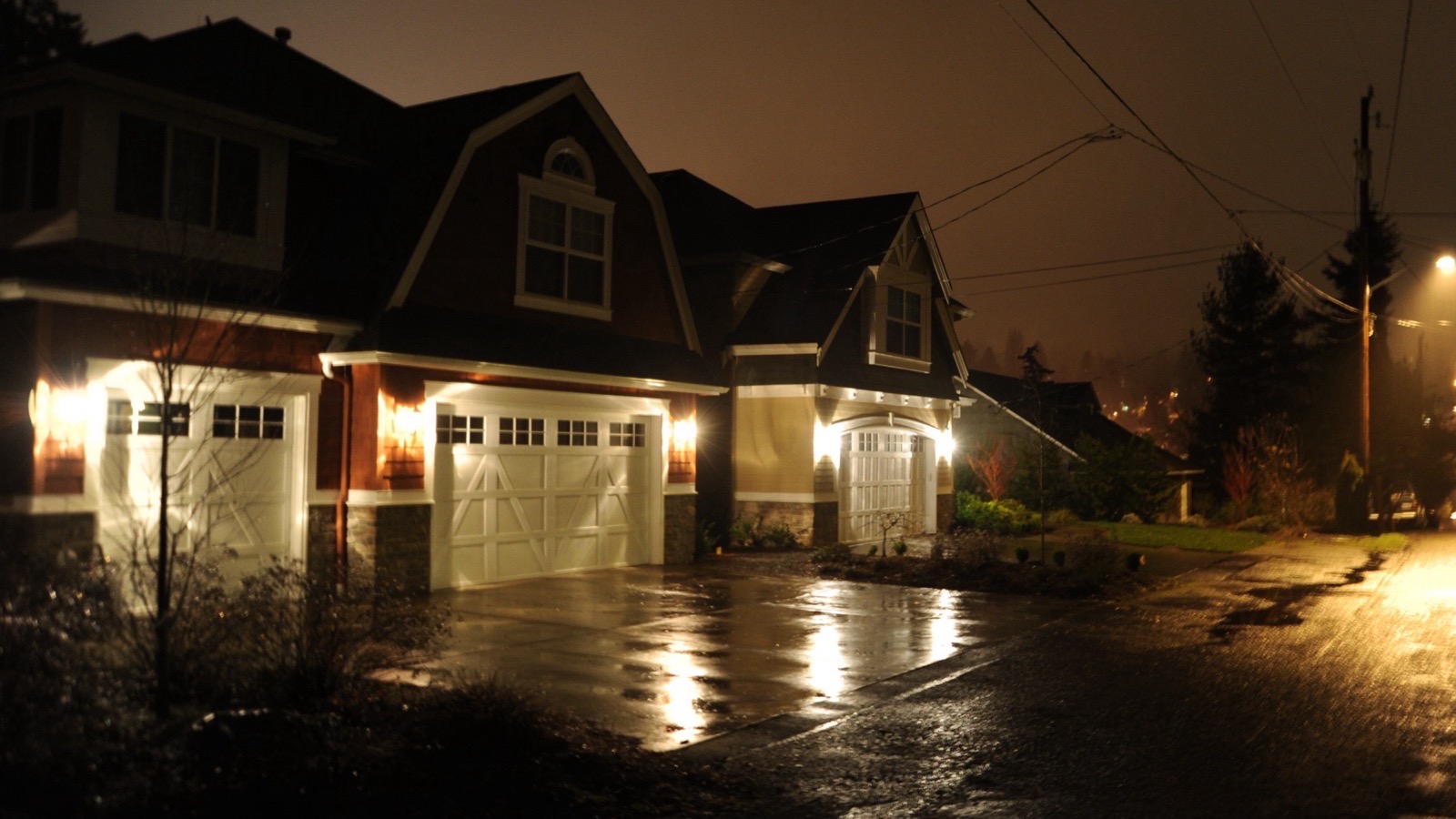
Example photo
Ask about the pilot
Peekaboo isn’t open yet. We’re looking for a few hosts to try it with us. Leave your email and tick your cameras, and a person writes back with a few questions about your turnovers.
We’ll write for that, and for nothing else. Joining the list costs nothing and commits you to nothing.